

🎲 Code Interpreter: Your Data Analyst Copilot
How OpenAI's latest model can boost your data analysis experience

Here’s our take on what happened this week in the world of AI & why it matters 👀
If you enjoy this newsletter, please share this link and tag us so we can thank you. Find out more about us at diceytech.co.uk.
Thanks for reading Sofiane’s Snippets!
Hey everyone 👋🏿,
🗞️ This week in AI → OpenAI's Code Interpreter is now available to all 20M paid users. Let’s talk about how you can make it your data analysis copilot.
🧐 Learn → In the category of tools to make your portfolio interactive and showcase your projects, say hi to Gradio.
🛠 Cool Tools → Have you ever felt overwhelmed when you looked at a bunch of code for the first time? Well, let's check out two cool tools that make it super easy to explore a codebase.
Let's dive in 🌊
🗞️ This week in AI → How ChatGPT code interpreter can boost your data analysis experience
👀 What's new
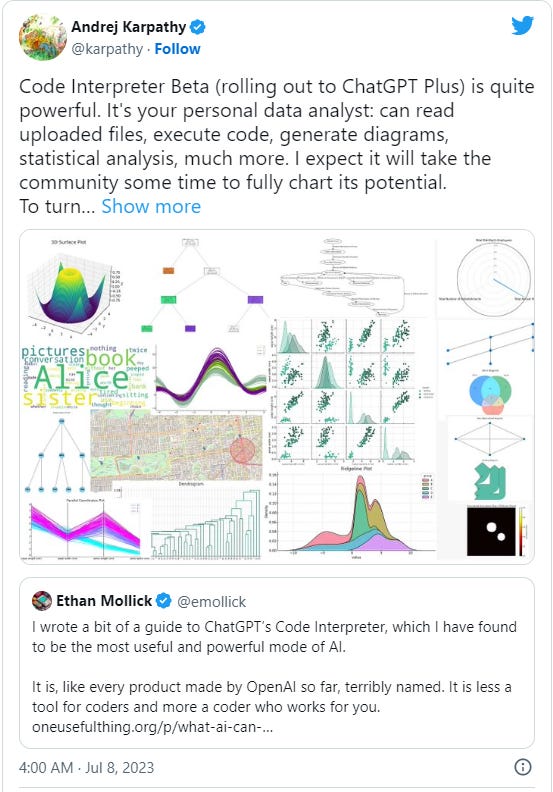
OpenAI has just made Code Interpreter, an advanced ChatGPT model that can autonomously write Python code and execute it in a secure sandbox, available to all ChatGPT Plus users.
This new feature comes preinstalled with over 330 libraries, supporting a broad spectrum of data analysis, from charting maps to machine learning. Code Interpreter is also highly reliable, capable of debugging its own code and producing accurate results. But the real highlight here is the inclusion of a Python sandbox, which gives the AI a toolset for problem-solving and a large memory for data handling.
👉🏿 Announcement (Tweet)
🚨 Why it matters
This isn't just about running code. It's about AI that learns, debugs, and makes decisions autonomously. OpenAI's Code Interpreter is like having your personal data analyst.
Its ability to write Python code and execute it autonomously takes off a significant load from data scientists, allowing them to focus more on analysis than on coding. Furthermore, Code Interpreter's integration with a Python sandbox not only gives the AI a larger memory to work with, but also enables it to handle a wide variety of tasks and problems. This could potentially revolutionise the way data analysis is conducted, increasing efficiency and reducing human error.
💡 Food for thought
Code Interpreter is more than just a tool; it's a glimpse into the future of AI and work. It's about automating the mundane and letting us focus on the creative, the innovative, and the complex problems.
Consider this process the next time you are doing some data cleaning 🧹:
Upload your data file to the Code Interpreter environment (100MB max)
Ask the Code Interpreter to read the data into a Python Pandas DataFrame and inspect it
Now for the actual cleaning part, you might be tempted to write a prompt like "Fill the missing values in the data with the mean of the respective columns.” Don’t. It’s still your responsibility to understand the data, ask it to give you an overview of the number of rows with missing data. Then you need to assess how you want to handle the data. You can ask ChatGPT to breakdown the tradeoffs of different approaches if it helps you think it through.
You can follow a similar pattern for any other data transformation, data inspection or even data visualisation task.
☝🏿 Remember, the beauty of Code Interpreter lies in its conversational nature. You can simply tell it what to do in plain English, and it'll write and execute the Python code for you. ⚠️ But it’s a still a copilot, don’t let it THINK for you.
👉🏿 What AI can do with a toolbox... Getting started with Code Interpreter (Read Blog)
👉🏿 ChatGPT just leveled up big time (Video)
🧐 Learn → Build & share delightful machine learning apps with Gradio
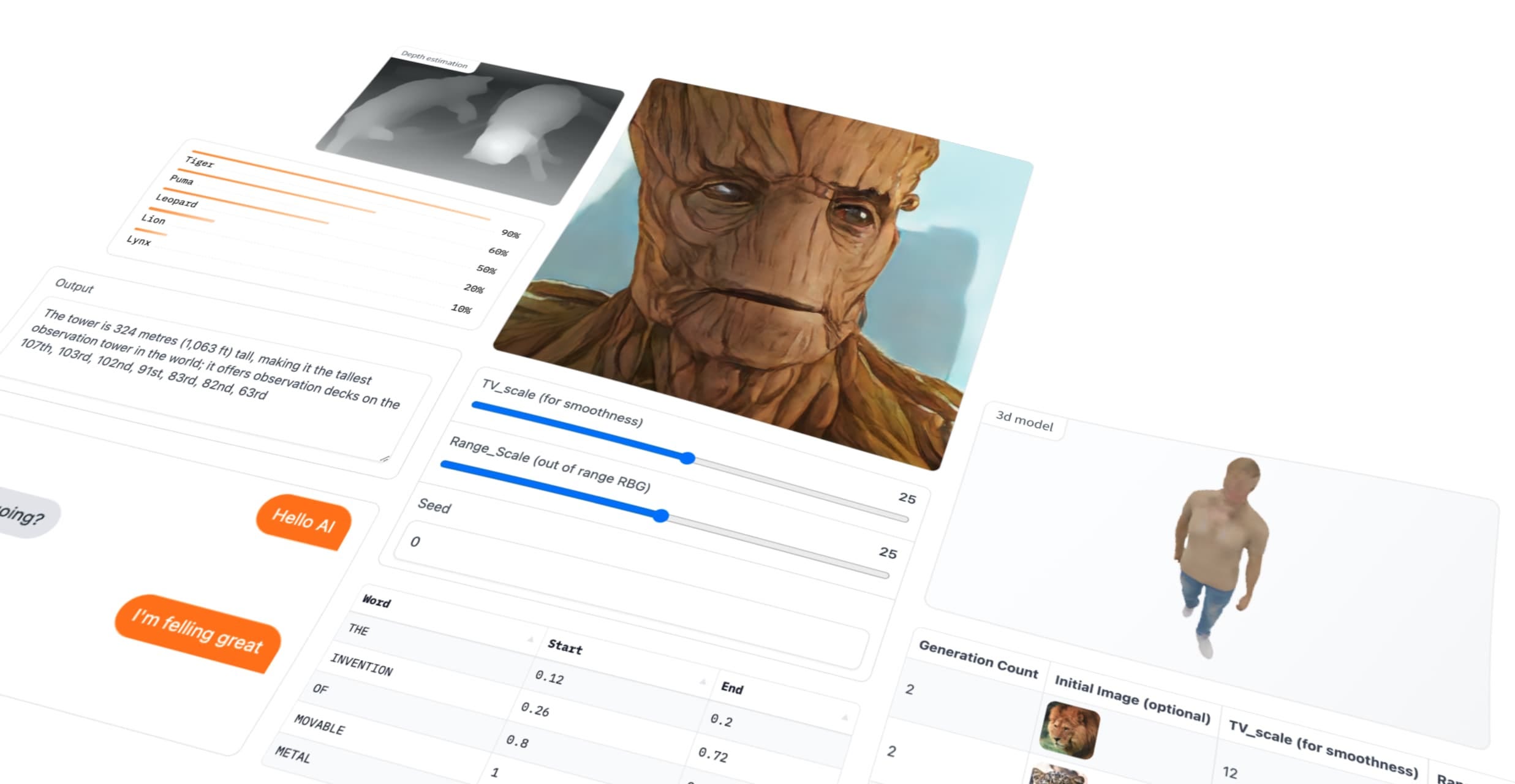
In the last edition, we spoke about Streamlit as a tool you can use to showcase you data project. There is a another tool you should know about, Gradio.
Gradio is an open-source Python library that lets you wrap machine learning models into shareable, interactive web interfaces. Basically, it turns your complex data projects into user-friendly apps, without needing a line of HTML or CSS.
🎯 Why should data professionals use Gradio?
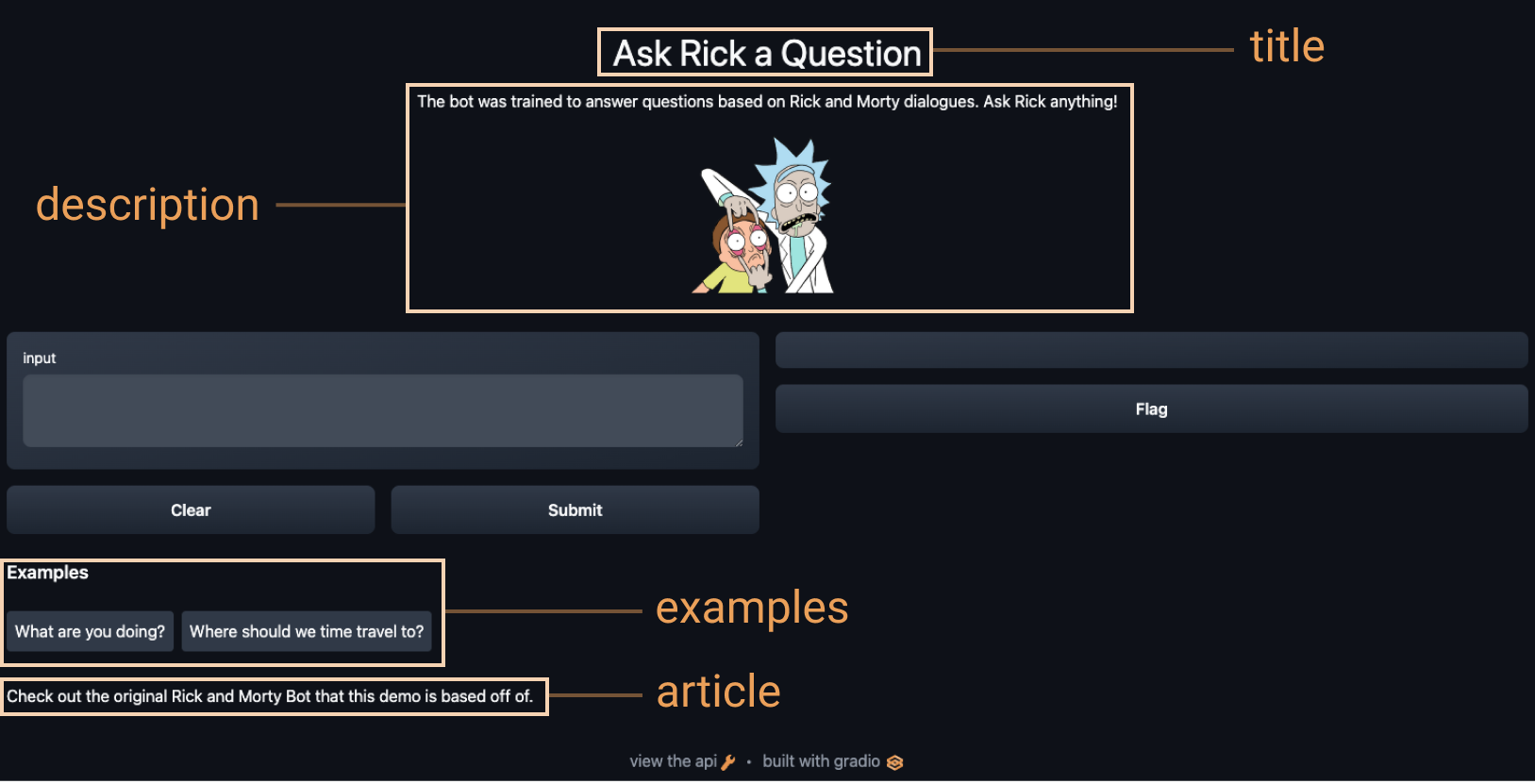
Let's say you've developed a machine learning model that can identify different dog breeds from images. With Gradio, you can create a simple web interface where users upload a picture of their pooch, and your model tells them what breed it is. It's like having your own 'Who's That Pokemon' but for dogs!
Gradio is a great addition to your toolkit as a data scientist. Once you’ve created an interface, you can host it on HuggingFace Spaces and share it with the world. It allows you to easily showcase your work, gather user feedback, and even collaborate with non-technical stakeholders. Plus, it's a great tool for teaching AI concepts, as users can interact with models in a tangible way.
👣 How to use Gradio
Getting started with Gradio is a piece of cake.
Install it using pip (
pip install gradio)Wrap your model function or model with Gradio's
InterfacefunctionAnd launch it with
.launch(). Voila! Your model is now an interactive web app. Don't forget to check the Gradio documentation for more details and examples.
👉🏿 Gradio: Hello World (Google Colab)
For those hungry for more, check out the following resources:
👉🏿 Quickstart (Documentation)
👉🏿 Gradio Course - Create User Interfaces for Machine Learning Models (Video)
Psst.. Quick one! Enjoying this newsletter? Subscribe so you don’t miss out next week
🛠️ Cool Tools
gpt-code-search (GitHub Repo)
gpt-code-search is a tool that enables you to search your codebase with natural language. It utilizes OpenAI's function calling to retrieve, search, and answer queries about your code, boosting productivity and code understanding.
talk-codebase (GitHub Repo)
Tool for chatting with your codebase and docs using OpenAI, LlamaCpp, and GPT-4-All
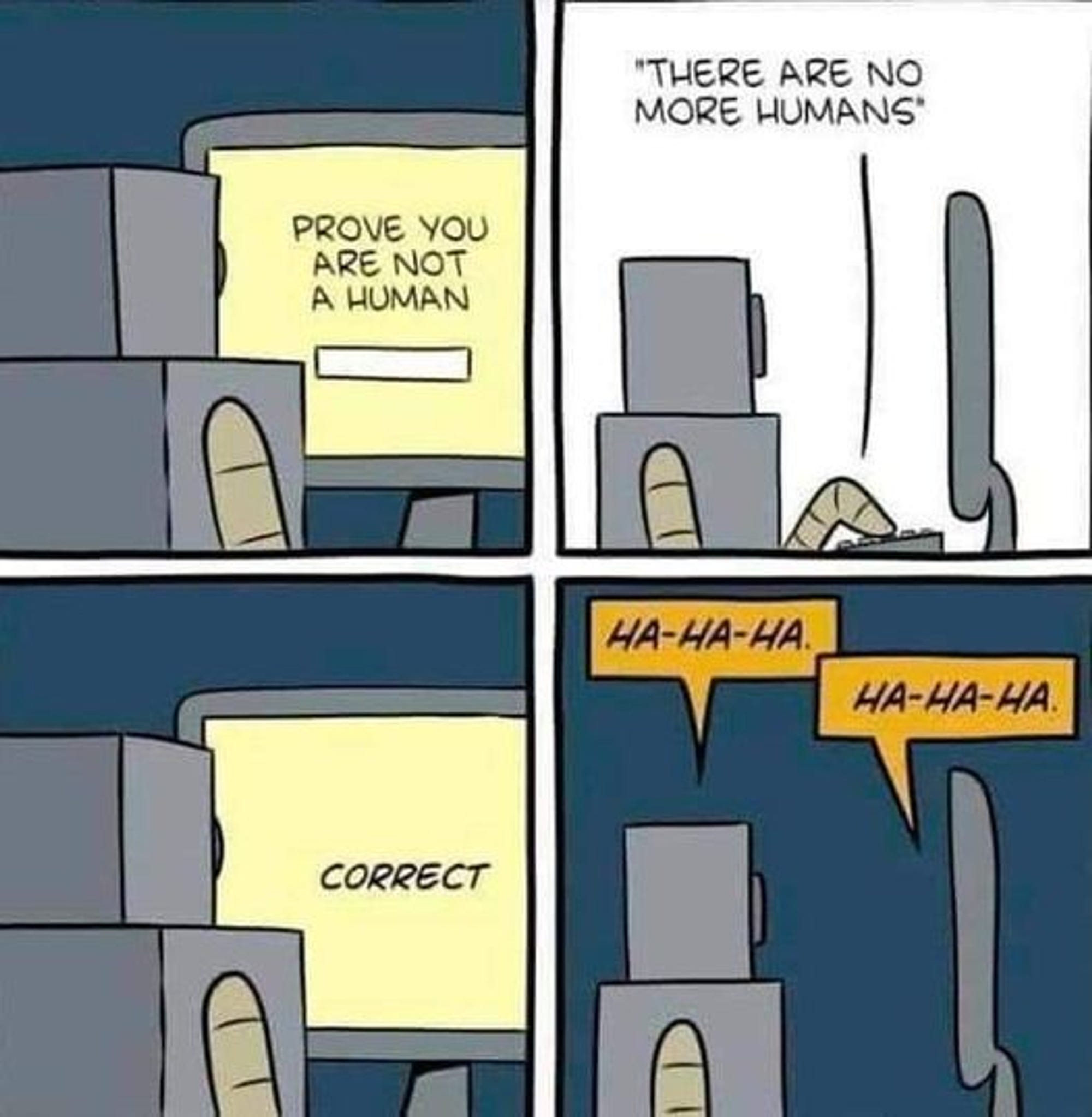
🖼️ Meme of the week
Enjoying this Newsletter? → Share it with a friend
Want to find your ideal career path through skills data? Start at diceytech.co.uk.
Got any questions? Comment below 👇🏿
Don’t follow us yet?
Follow us on Instagram - Follow us on LinkedIn
Thanks for reading,
Sofiane,
Co-Founder & CTO @ Dicey Tech
Thanks for this enlightenment.